

Comments
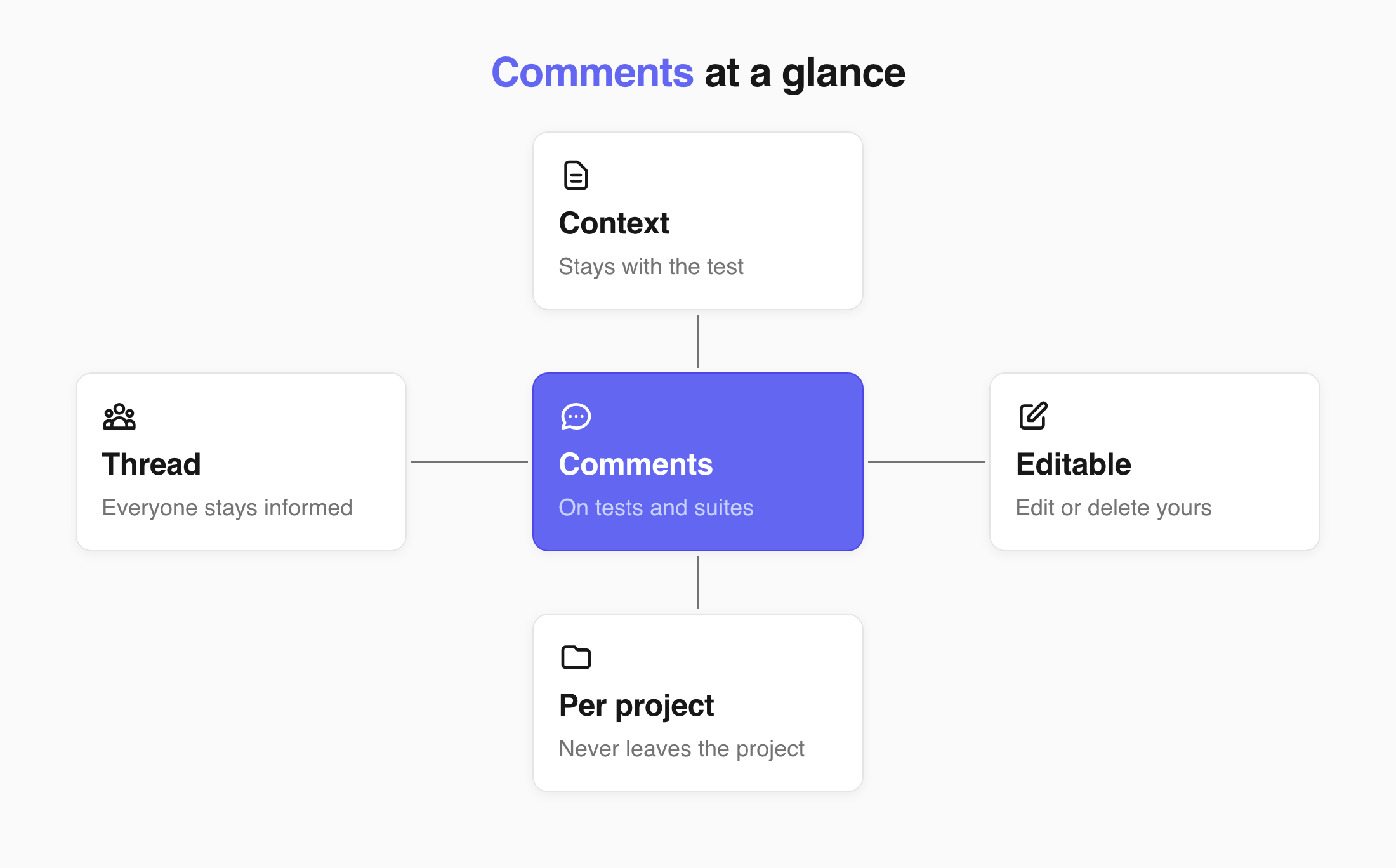
Comments are for your work convenience. Comments keep a discussion next to the test it is about.
Everyone who opens the test later sees the context, and everyone already in the thread knows when it updates.
Comment on a test or suite
Section titled “Comment on a test or suite”- Open the test or the suite you want to discuss.
- Open the Comments tab.
- Enter your comment.
- Click Comment.
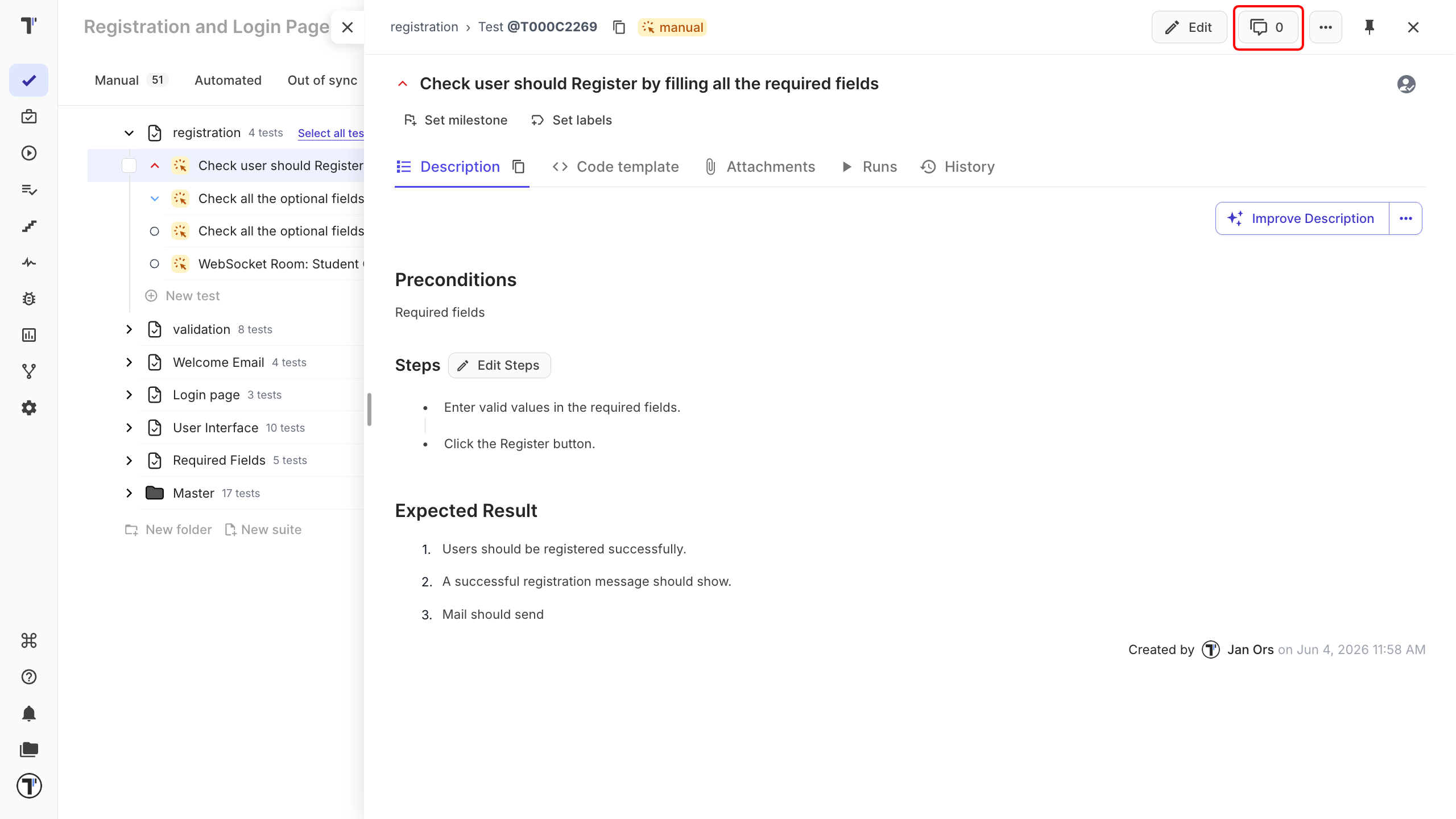
Your comment appears in the thread with your name and the time you posted it. Everyone who has already commented there is notified that the conversation has updated.
Edit or delete a comment
Section titled “Edit or delete a comment”You can edit or delete your own comments after posting.
Editing also lets you remove a mention you no longer need. To edit a comment:
- Open the test or the suite you want to discuss.
- Open the Comments tab.
- Edit your comment.
- Click Update.
Comments in shared projects
Section titled “Comments in shared projects”Comments are always project-specific. When a suite or test is shared with another project, its comments are not transferred with the shared tests.