

Tags, Labels, and Assignees
Use tags, labels, and assignees to organize tests and make them easier to manage.
- Tags group tests by name, such as
@smokeor@regression. - Labels add structured information, such as a component, owner, or requirement ID.
- Assignees show who is responsible for a test.
Tags and Labels
Section titled “Tags and Labels”Tags and labels both help you organize tests, but they work differently. Use a tag when a name is enough. Use a label or custom field when you need to store a value with it.
| Tag | Label or custom field | |
|---|---|---|
| Stores | A name | A name and a value |
| Add from | The test title with @ | Set labels in the editor |
| Best for | Quick test groups | Information you want to track and filter |
Add a Tag
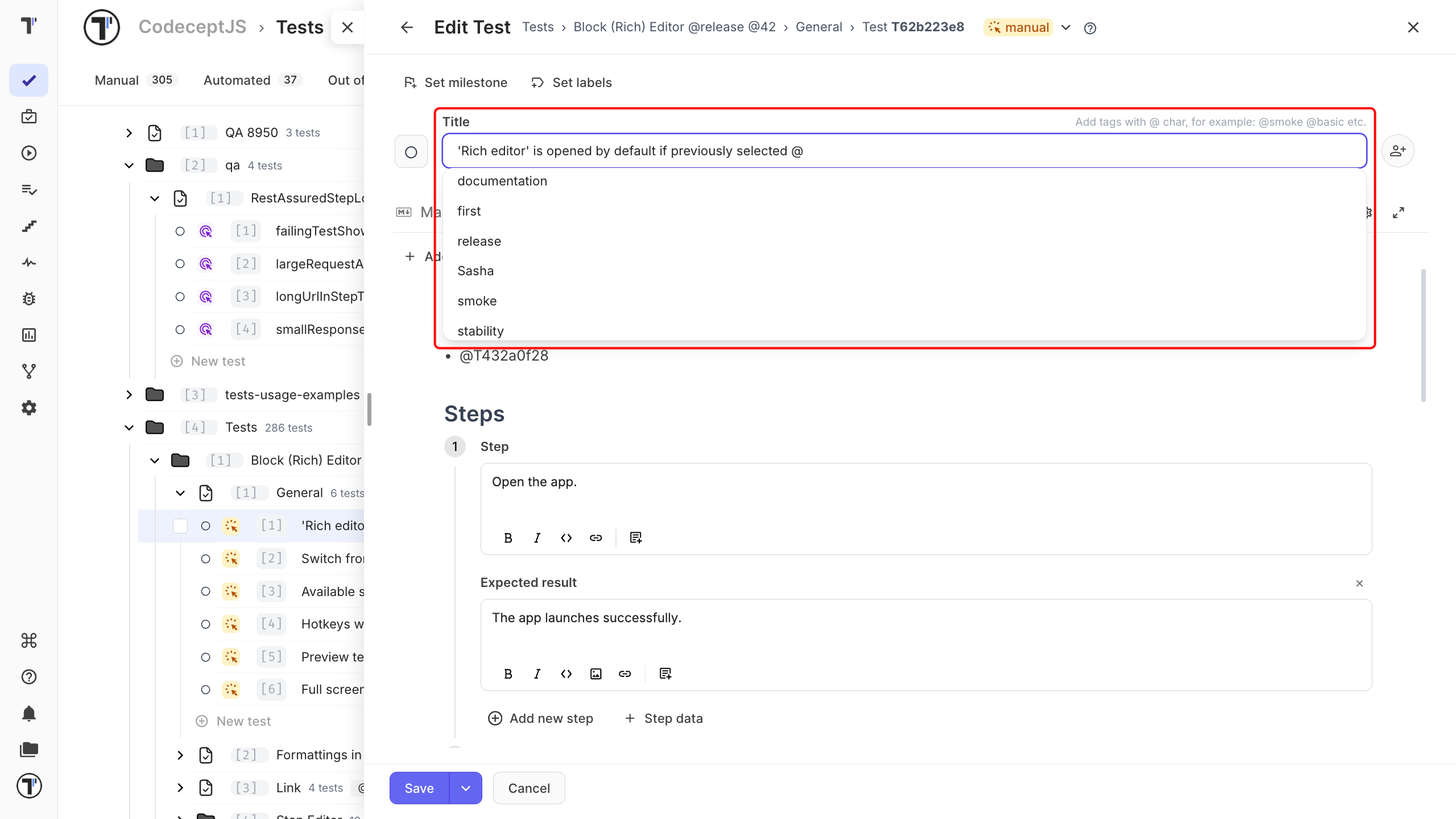
Section titled “Add a Tag”Tags are added directly to the test title.
- Open the test and click Edit.
- In the title field, type
@and the tag name. - Select an existing tag from the list, or enter a new name.
- Click Save.
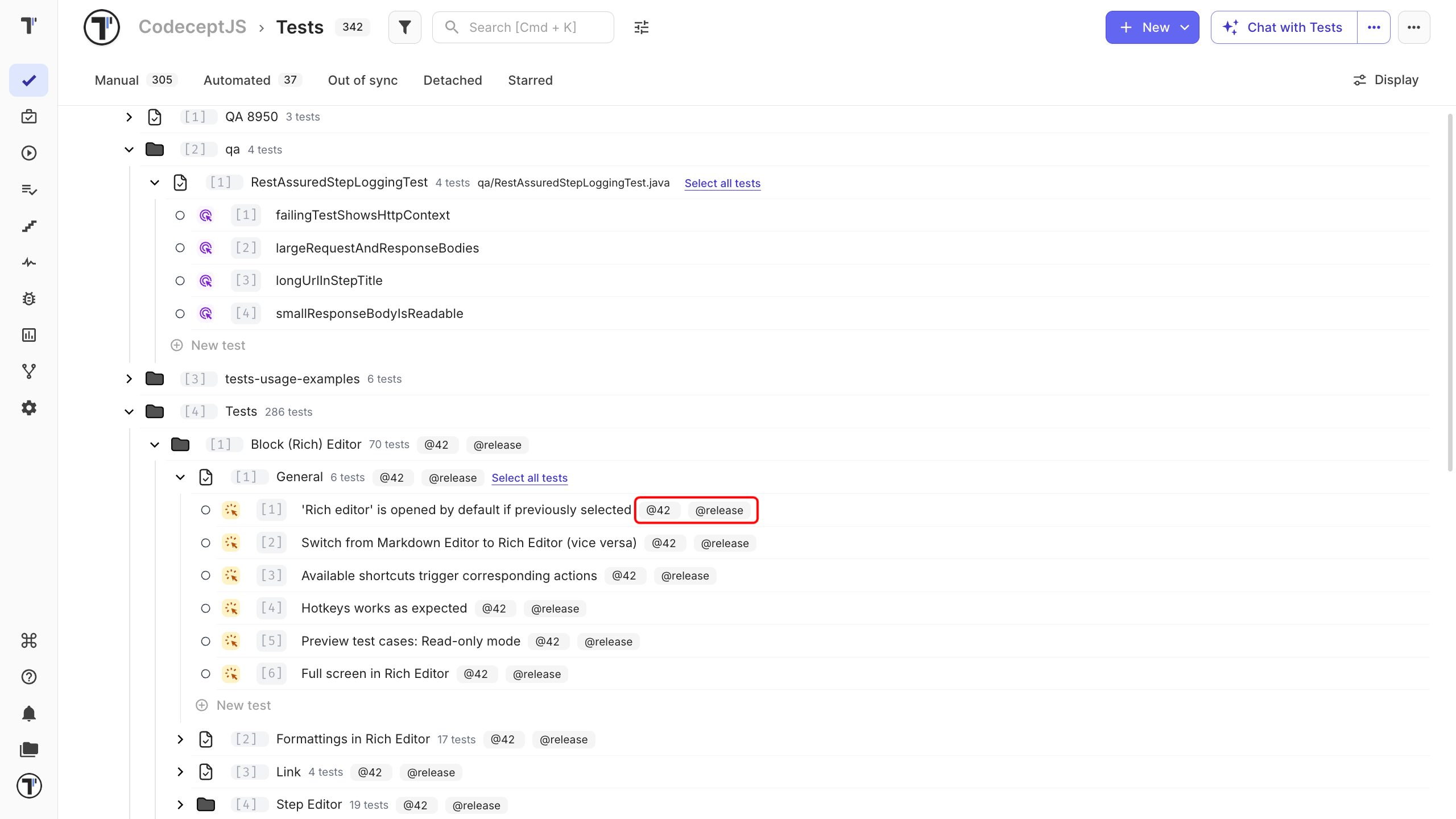
The tag appears next to the test title.
Add a Label
Section titled “Add a Label”Use labels when a test needs more information than a simple tag can provide.
- Open the test or suite editor.
- Click Set labels.
- Select a label or custom field.
- Set its value.
The label appears on the test with its value.
To label several tests at once, use the Labels action in the bulk panel. For the labels available in your project and how they are set up, see Labels and custom fields and Tags.
Assign a Test
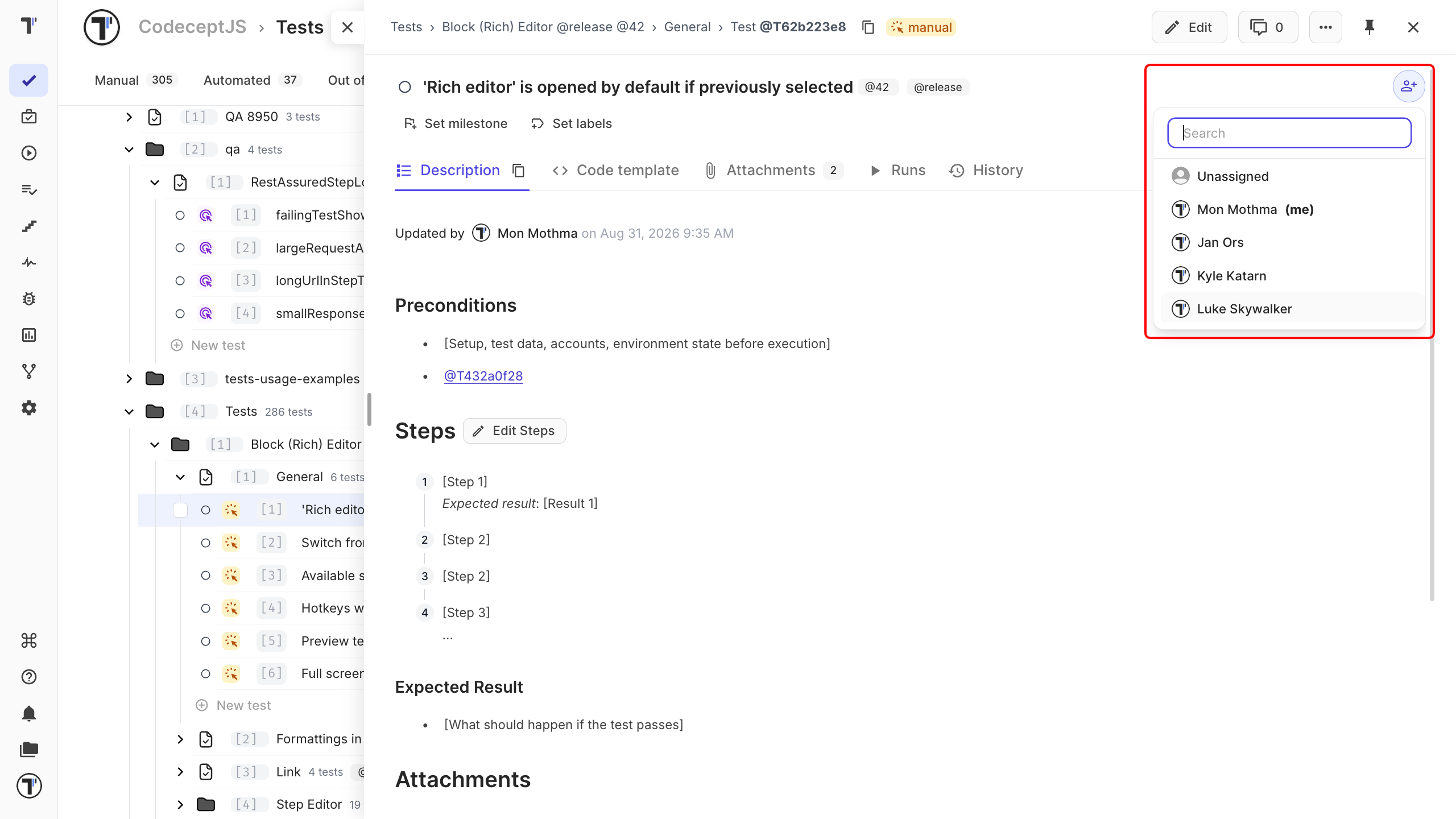
Section titled “Assign a Test”Assign a test to show who is responsible for it. The user’s avatar appears on the test.
- Open the test on the Tests page.
- Click the user icon in the top-right corner.
- Select a project member.
Use the search field to find a member quickly, or pick Unassigned to remove the assignment.
Test Assignment and Run Assignment
Section titled “Test Assignment and Run Assignment”A test assignment and a run assignment have different purposes.
| Applies to | Shows | |
|---|---|---|
| Test assignment | The test, until someone changes it | Who is responsible for the test |
| Run assignment | One test run only | Who is running the test in that run |
Assigning a test in a run does not change its test assignment.